


Free webinar: Parametric Structural Modeling with the IgentBIM Plugin for BIMvision
Category TIPS&TRICKS

TIPS & TRICKS – three simple, useful tricks that you may have missed
SELECTION AREA You may be familiar with this feature from AutoCAD or another CAD program. Draw a selection area from right to left or from left to right. To draw a selection area: press and hold Ctrl, click the cursor…

TIPS & TRICKS. Save your model sections and smart views and bring them back to the model in seconds. The power of the Gallery plugin.
Watch the video and see what you can do. Create views with color markings, cross-sections or a selection of measurements to quickly switch to them later. Navigate through the IFC model to visualize a few selected elements or show a…

TIPS & TRICKS. Custom selector. How to use smart queries to define colors?
A “Custom selector” is a set of functionalities that allow you to create a selection mechanism based on the properties of elements. We can find it in various plugins such as Advanced Reports, Clash Detection, or Takeoff Reports. They may…

TIPS & TRICKS. How to make a simple animation with the Advanced Reports plugin?
In Advanced Reports, you can visualize a simulation of the step-by-step creation of an object or animate another process based on a selected characteristic parameter. The animation is played according to groups of values (by grouping) or according to individual…

TIPS & TRICKS. How to quickly view property values throughout the project?
The IFC model is a set of data. They are assigned individual elements. In BIMvision, we have the ability to quickly review the defined parameters without having to click on each element in the model. The “Group” function of the…

TIPS & TRICKS. “MY Ribbon” – How to use the Quick Access Toolbar options to always have your most frequently used tools at hand?
If we work with files in a certain way and repeat certain activities for which we need buttons from different tabs of the BIMvision main panel, we can improve our work. Instead of switching between tabs each time or looking…

TIPS & TRICKS. How to quickly select the whole group to which the indicated entity belongs?
BIMvision allows you to quickly select the entire structure, group or assembly to which a single entity belongs. There are a few ways to quickly select the bigger part of the project starting from pointing an element. LET’S CHECK THEM…

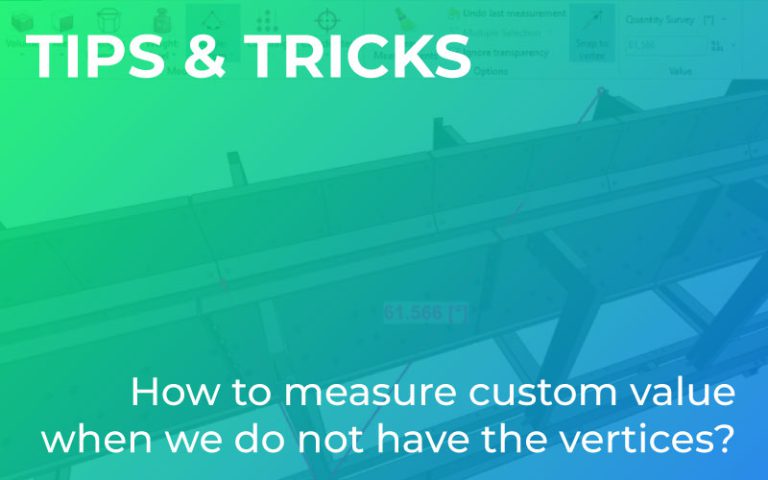
TIPS & TRICKS. How to measure custom value when we do not have the vertices?
BIMvision allows you to measure custom distances, angles, areas or check the coordinates of various vertices. The problem, however, is when we DON’T HAVE these vertices, i.e. points with a measurable distance, in the model! So how can we take…