


IFC Split+Merge Bundle

The bundle consists of 2 complementary plugins, which form together an excellent tool for working with IFC models. These are: IFC Split, IFC Merge.

The bundle consists of 2 complementary plugins, which form together an excellent tool for working with IFC models. These are: IFC Split, IFC Merge.
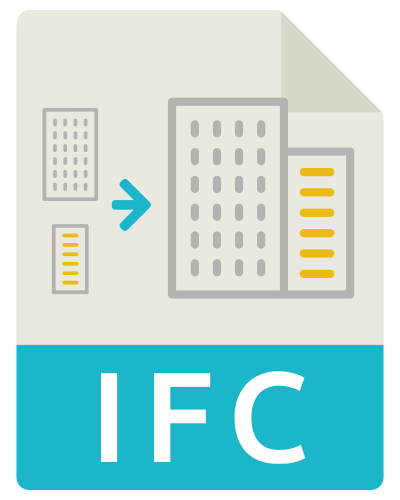
Export of model elements loaded from several files into one common IFC file

Export of reports from IFC, IFCZIP and BVF files to Excel spreadsheet in COBie standard.

The glTF Exporter plugin allows you to export a model geometry or part of it to a file in the GLTF format.
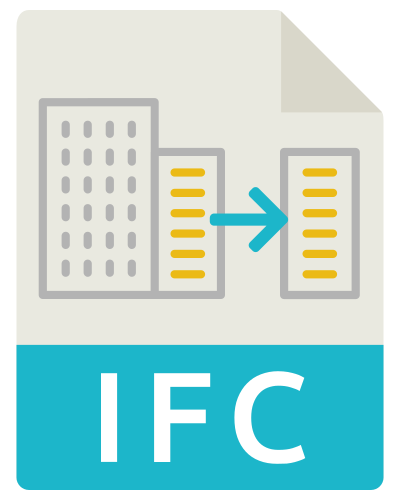
The plugin allows you to extract parts of a model to a separate IFC file. You can export selected (visible / active) elements of the IFC model to a new IFC file.

The module is used for detailed comparison of objects’ geometry and properties. It allows you to compare any two objects in the model and see the differences between object’s revisions.
This is the best solution for everyone who needs to check collisions only internally (you do not need exchange the comments with other participants of the project).

This solution is best for you if you need to check collisions and exchange comments with other participants of the project.
This solution is best for you if you are for ex. BIM Manager, BIM Coordinator and you coordinate work between members of the team.

User-friendly, practical solution that allows you to detect quickly geometric collisions appearing between elements in one model or between elements of several independent models*.